
Introduction
Automation reduces repetitive coordination and data handling when it is built around a stable workflow, clear ownership, reliable integrations, and visible exceptions rather than around the goal of removing people from every decision.
Quick answer
Business automation reduces manual work by moving repeatable data transfers, calculations, notifications, document generation, and scheduled tasks into reliable workflows. The best candidates have clear rules, consistent inputs, meaningful volume, and costly delays or errors. Keep human approval for judgment-heavy decisions, and design monitoring, retries, audit trails, and exception handling from the beginning.
Map repetitive work and its operational cost
Start by observing the workflow from trigger to outcome. Record who receives information, where it is re-entered, which spreadsheets or systems are involved, what approvals occur, and how the team knows the work is complete. Repetition alone is not enough; the process must be understood before software can reproduce it safely.
Measure the practical cost using information already available to the business: staff attention, waiting time, corrections, missed handoffs, delayed customer responses, and difficulty finding status. The purpose is not to invent a perfect financial model. It is to compare automation opportunities and identify where consistency or visibility would create the most useful improvement.
- The workflow has a clear trigger, owner, inputs, rules, and completed state.
- The same data is copied, checked, transformed, or communicated repeatedly.
- Delays and errors have visible operational or customer consequences.
- Exceptions can be identified and routed to a responsible person.
- The source systems provide stable access to the required information.
Choose automation candidates with clear rules
Good candidates are frequent, rule-based, and based on structured inputs. Examples include synchronizing approved records, generating recurring documents, assigning work, sending status notifications, checking required fields, and creating scheduled reports. These tasks benefit from consistent execution while leaving people free to handle judgment, negotiation, and unusual cases.
Avoid automating a broken or rapidly changing process. If teams disagree about the correct steps, automation will make that confusion faster and harder to change. Simplify the workflow first, remove unnecessary approvals or duplicate data, and define who owns each decision. Automate the stable core and keep uncertain steps visible for review.
Practical example
Automate order handoff without hiding exceptions
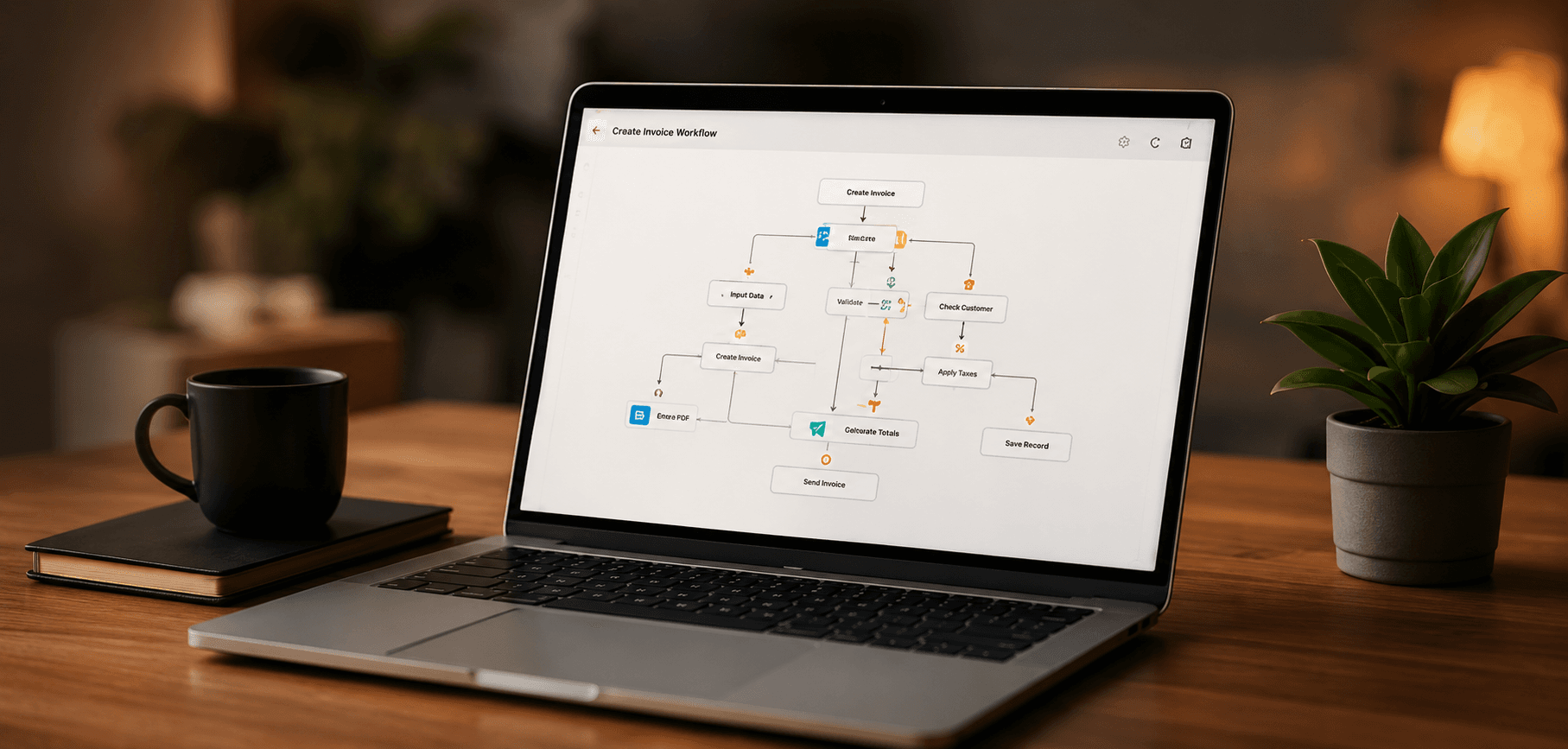
When an approved order enters the sales system, a workflow can validate required fields, create the fulfillment record, notify the responsible team, and schedule a status check. Orders with missing addresses, unusual terms, or unavailable products should enter an exception queue for review instead of silently failing or creating incomplete records.
Connect systems with reliable APIs and integrations
APIs let systems exchange information without manual copy and paste, but every integration needs a clear source of truth. Decide which system owns customers, products, payments, inventory, or task status, and which fields can be updated elsewhere. Without ownership rules, two-way synchronization can overwrite correct data or create difficult conflicts.
Plan for rate limits, authentication, unavailable services, changed data formats, and delayed webhooks. Store identifiers that connect records across systems and log enough context to trace each exchange. An integration should report failures and support safe recovery rather than treating a successful network request as proof that the business workflow completed.
Use background jobs and scheduled work safely
Long-running tasks should not keep a user request open. Document generation, imports, exports, message delivery, synchronization, and scheduled calculations can run as background jobs. The user should receive a clear accepted state and be able to see whether the work is queued, running, complete, or failed.
Jobs may be delivered more than once or interrupted halfway through, so important actions should be idempotent where possible. Define retry limits, delays, timeout behavior, and a failed-job process. Monitor queue depth and job age so a growing backlog is detected before it becomes a customer support problem.
- Each job records its purpose, owner, input, status, and relevant external identifiers.
- Retries do not duplicate payments, messages, records, or irreversible actions.
- Permanent failures move to a visible queue with enough context for review.
- Scheduled work accounts for time zones, missed schedules, and overlapping runs.
- Users can see progress when completion is not immediate.
Keep human oversight and operational visibility
Automation should route decisions to people when policy, risk, customer context, or incomplete information requires judgment. Approval steps need a responsible role, a clear deadline, the information needed to decide, and an escalation path. Avoid approvals that merely repeat a rule the system could enforce directly.
Notifications should communicate meaningful changes without creating noise. Dashboards can show workflow volume, pending approvals, failures, processing age, and exceptions so teams know where attention is required. Audit trails should record important state changes and who or what initiated them, while avoiding unnecessary exposure of sensitive data.
Related resources
Select and deliver automation step by step
Begin with one bounded workflow where the rules and ownership are understood. Establish the current baseline, define the expected operational improvement, and design the exception path before implementation. A smaller automation with reliable monitoring provides a better foundation than a broad workflow that no one can diagnose.
After release, review failures, manual interventions, processing time, and user feedback. Improve data quality and rules before expanding into adjacent workflows. Automation remains a product that needs ownership, maintenance, security updates, integration review, and support as the business changes.
- 1Map the current workflow, systems, roles, data, delays, and exceptions.
- 2Confirm that the process is stable and the rules are understood.
- 3Choose a bounded candidate with meaningful repetition or error risk.
- 4Design ownership, approvals, retries, notifications, audit history, and recovery.
- 5Build and release the smallest complete automated workflow.
- 6Measure operation, review exceptions, and expand only from observed results.
Related resources
Key Takeaways
- Map and simplify the workflow before automating it.
- Choose repeatable tasks with clear rules, ownership, and useful impact.
- Treat APIs, jobs, retries, and exceptions as reliability requirements.
- Keep people responsible for judgment-heavy decisions and visible failures.
- Measure the released workflow and maintain it as business processes change.